

Knock from your phone.
Track from your desk.
Volunteers walk packets from any phone browser while you watch doors, results, and live walkers land on the dashboard in real time.
Oak Street
71%142 doors · nearest first
Oak Street
71%Walk Packets
6 packets · 766 doors · 3 walking now
142
doorsOak Street
184 voters
184
doorsRiverside East
221 voters
96
doorsFernandina Core
122 voters
118
doorsAmelia Drive
143 voters
152
doorsNorth Beach
177 voters
74
doorsPeck Center
91 voters
Oak Street
71%142 doors · nearest first
Oak Street
71%Build list
Pull a universe from the voter file.
Split turf
Cut it into walkable packets.
Assign team
Hand packets to your walkers.
Track live
Watch results land in real time.
Split turf from the same dashboard.
Open any voter list, draw turf on the map, and turn the selected homes into assigned walk packets without losing the parent list.
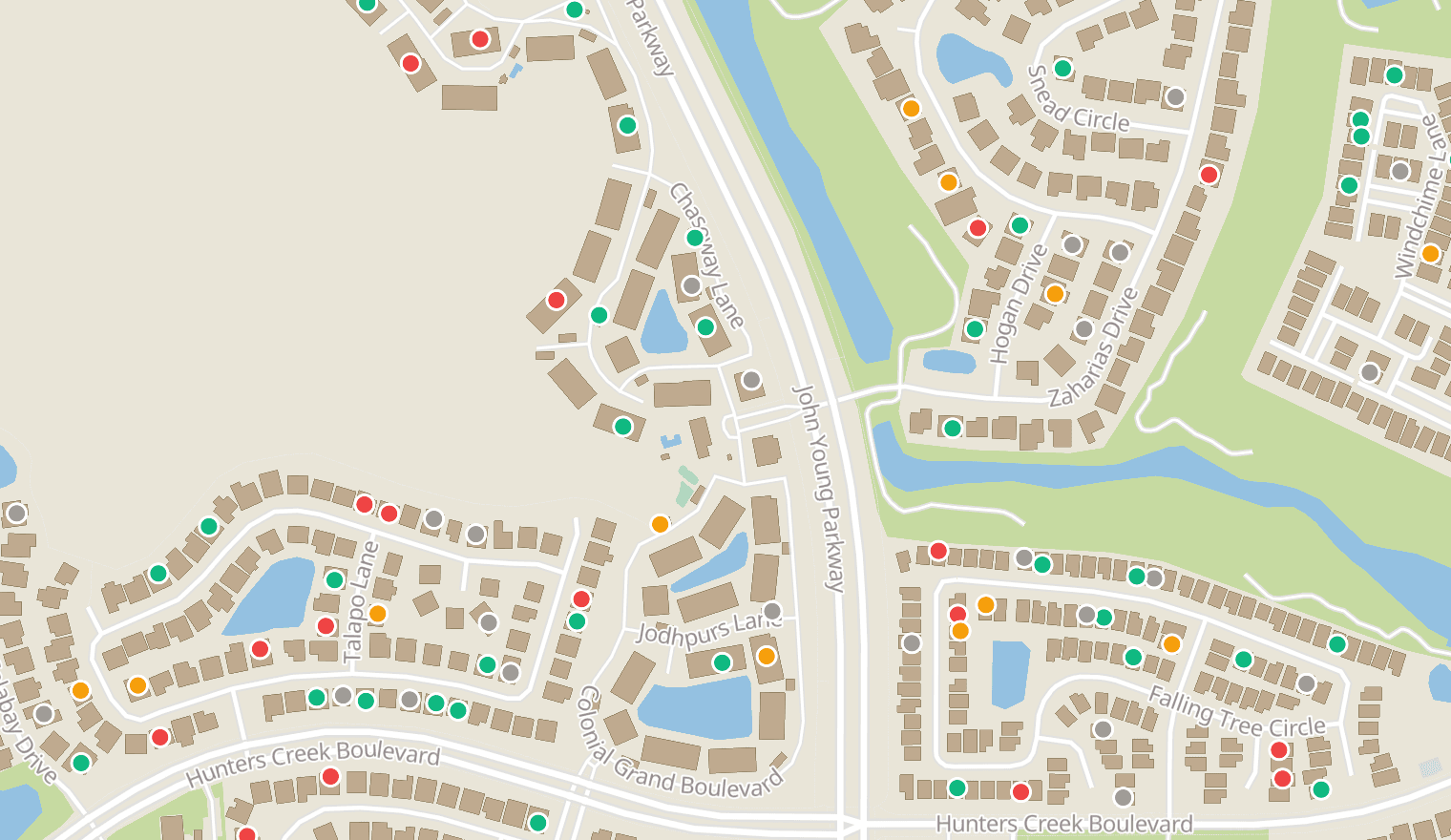
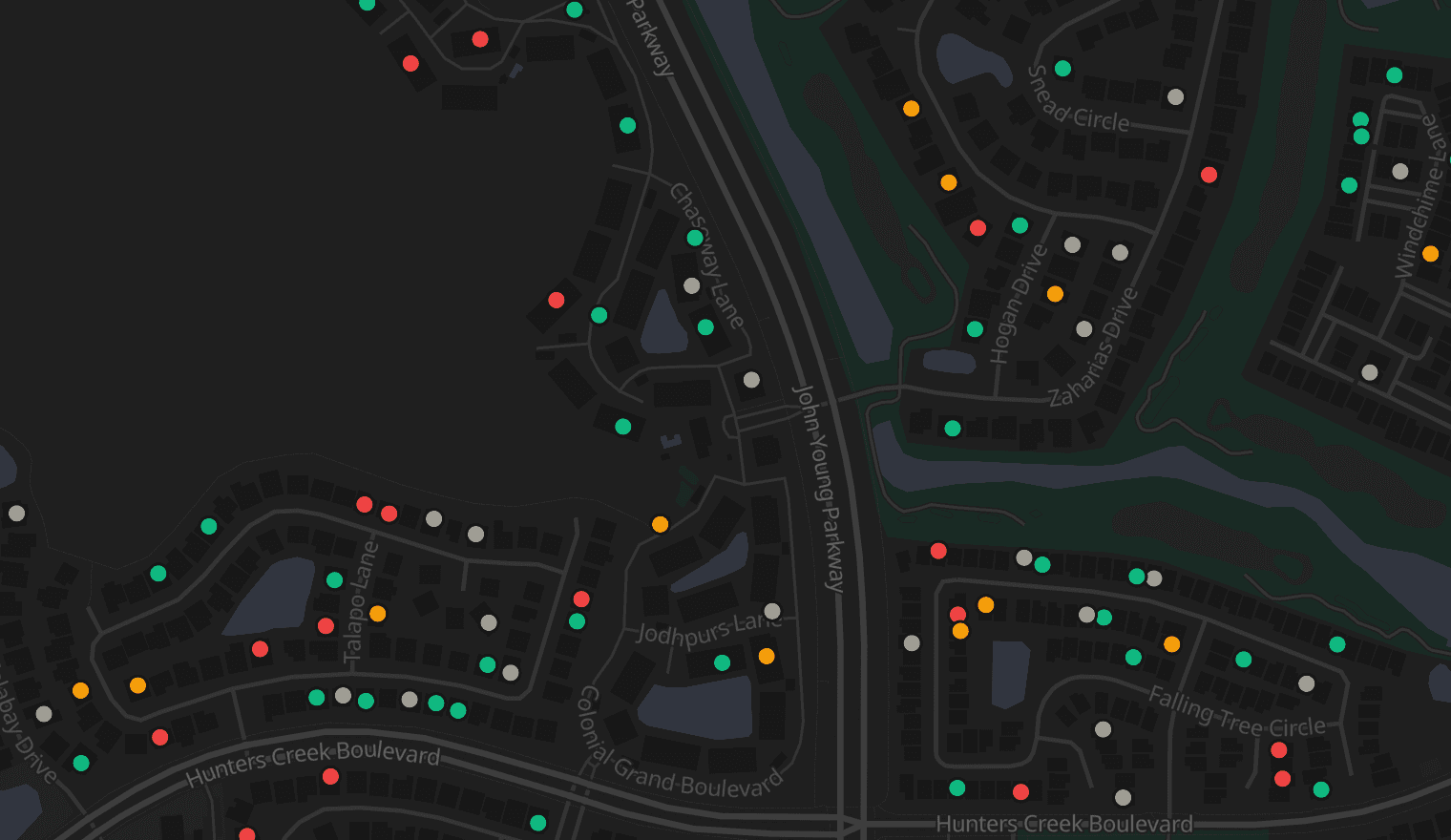
New walk packet
Assign To
Your turf, cut before you ask for it.
Turf-cutting is the job that keeps a field director up past midnight. Every list you build in Neurelect comes back as walkable neighborhoods — already routed, counted, and timed. Open the map, press create, and a volunteer has a shift.
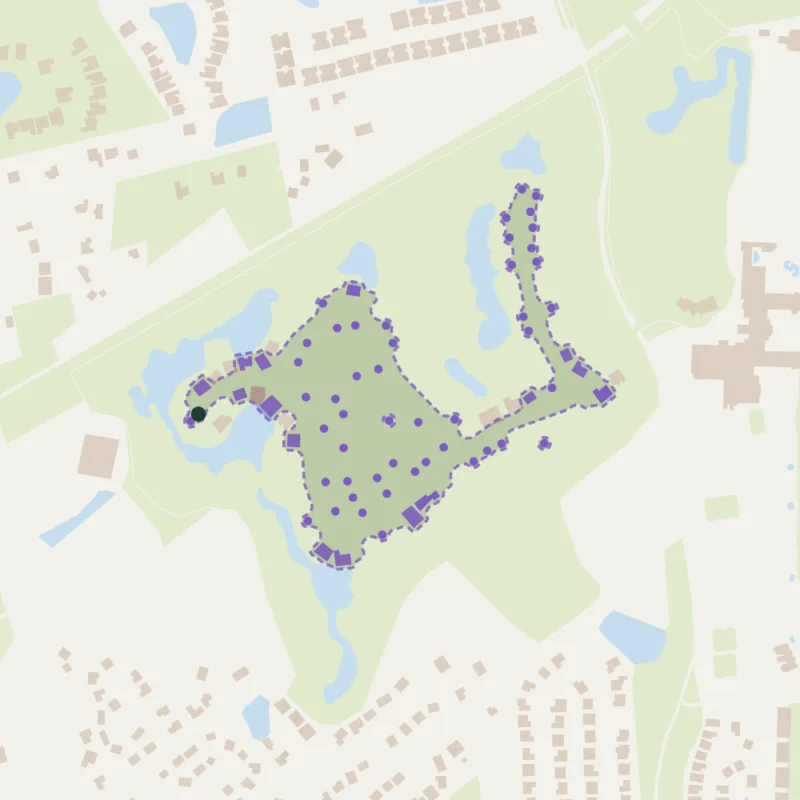 Suggested
Regatta Drive Walking Route
- doors
- 66 doors
- mi
- 1.9 mi
- min
- 39 min
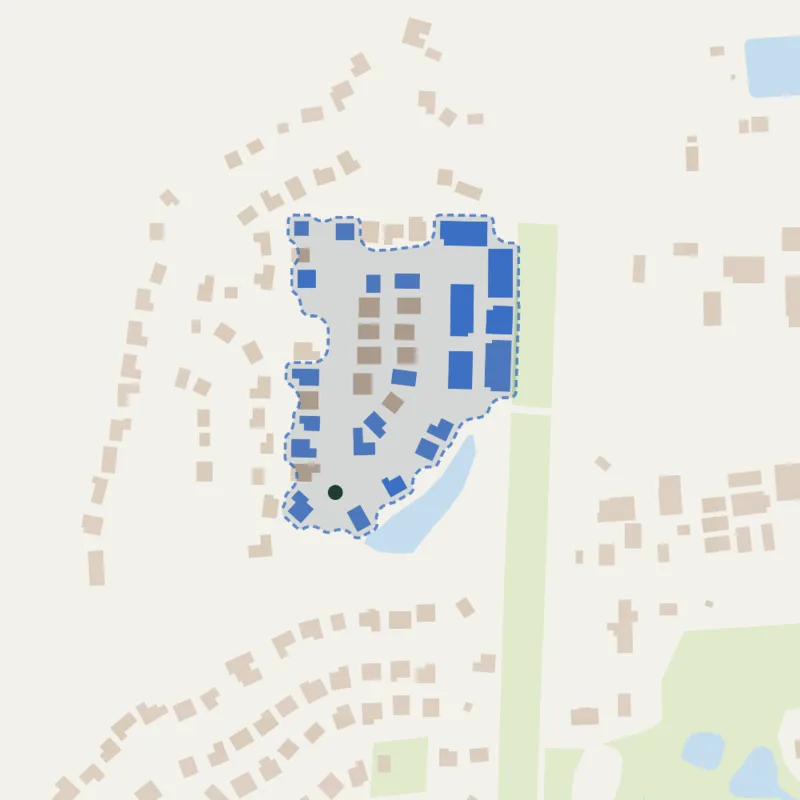 Suggested
Mackinas Circle Walking Route
- doors
- 35 doors
- mi
- 0.4 mi
- min
- 9 min
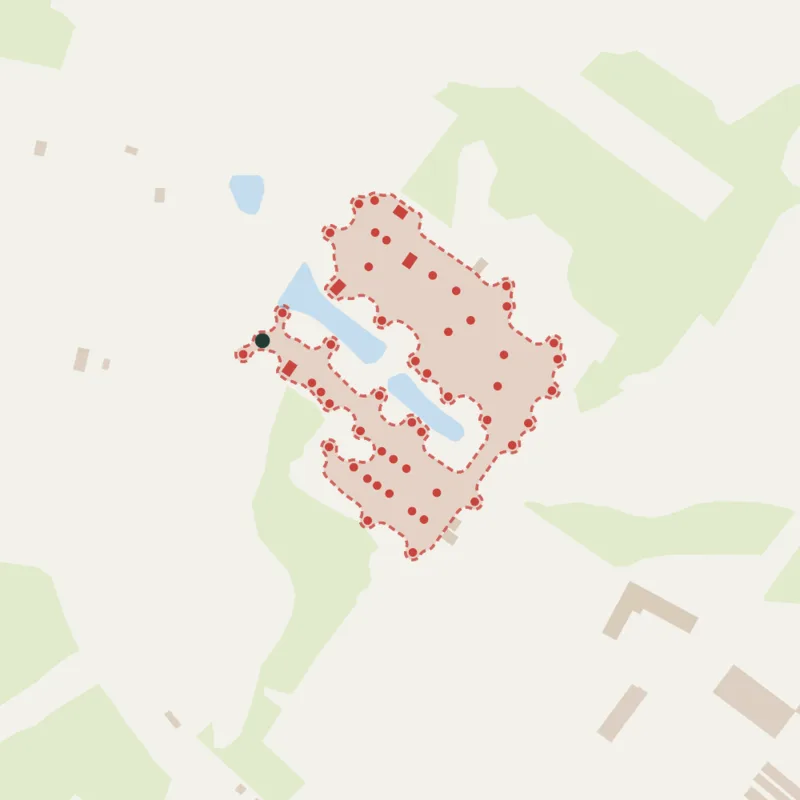 Suggested
Ingleham Circle Walking Route
- doors
- 57 doors
- mi
- 1.4 mi
- min
- 28 min
SuggestedRegatta Drive Walking Route
- doors
- 66 doors
- mi
- 1.9 mi
- min
- 39 min
SuggestedMackinas Circle Walking Route
- doors
- 35 doors
- mi
- 0.4 mi
- min
- 9 min
SuggestedIngleham Circle Walking Route
- doors
- 57 doors
- mi
- 1.4 mi
- min
- 28 min
It reads the real streets
A six-lane road or a creek ends a walk, the way it does on foot. Boundaries follow the neighborhood, not a rectangle dragged across a map.
Routed, counted, timed
Every suggestion arrives with its doors, its return distance, and an honest walking estimate, so you know it is one shift before you commit a volunteer to it.
Never stale, never double-booked
Up to twelve per list, rebuilt as the list changes, and only ever drawn from doors no other packet has claimed.
Knock from a phone that feels native.
Volunteers open a packet on any phone browser. The next door, voter details, contact result, yard-sign request, and notes all live in one small surface.
Sarah Johnson
1234 Oak Street
34
Age
F
Gender
REP
Party
92
Gen
Contact
Requested yard sign in March. Strong supporter, wants reminder before early voting.
Notes
Ask about volunteer shift after church on Sunday.
Watch the field while it happens.
Managers can see each active walker, completed doors, and last-seen status while the shift is still moving.
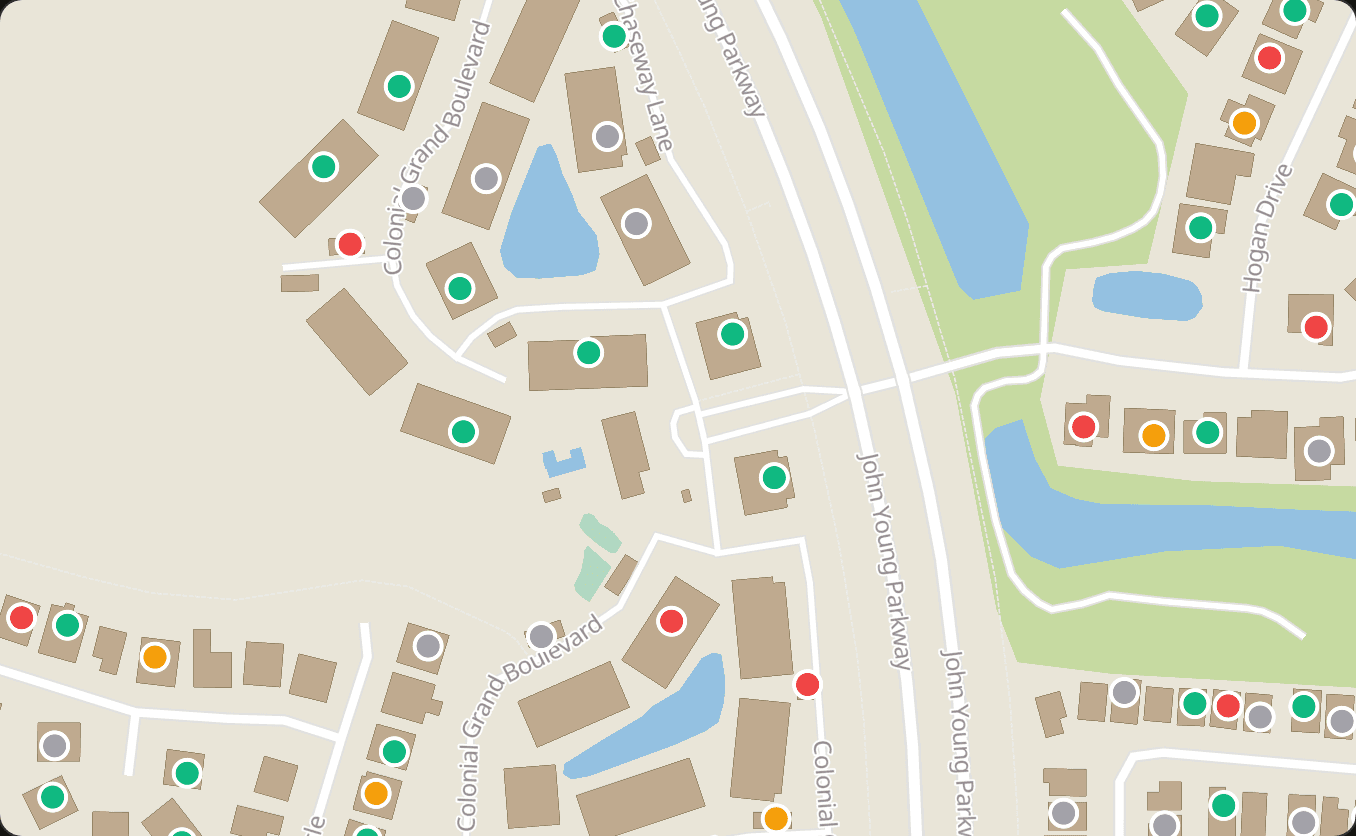
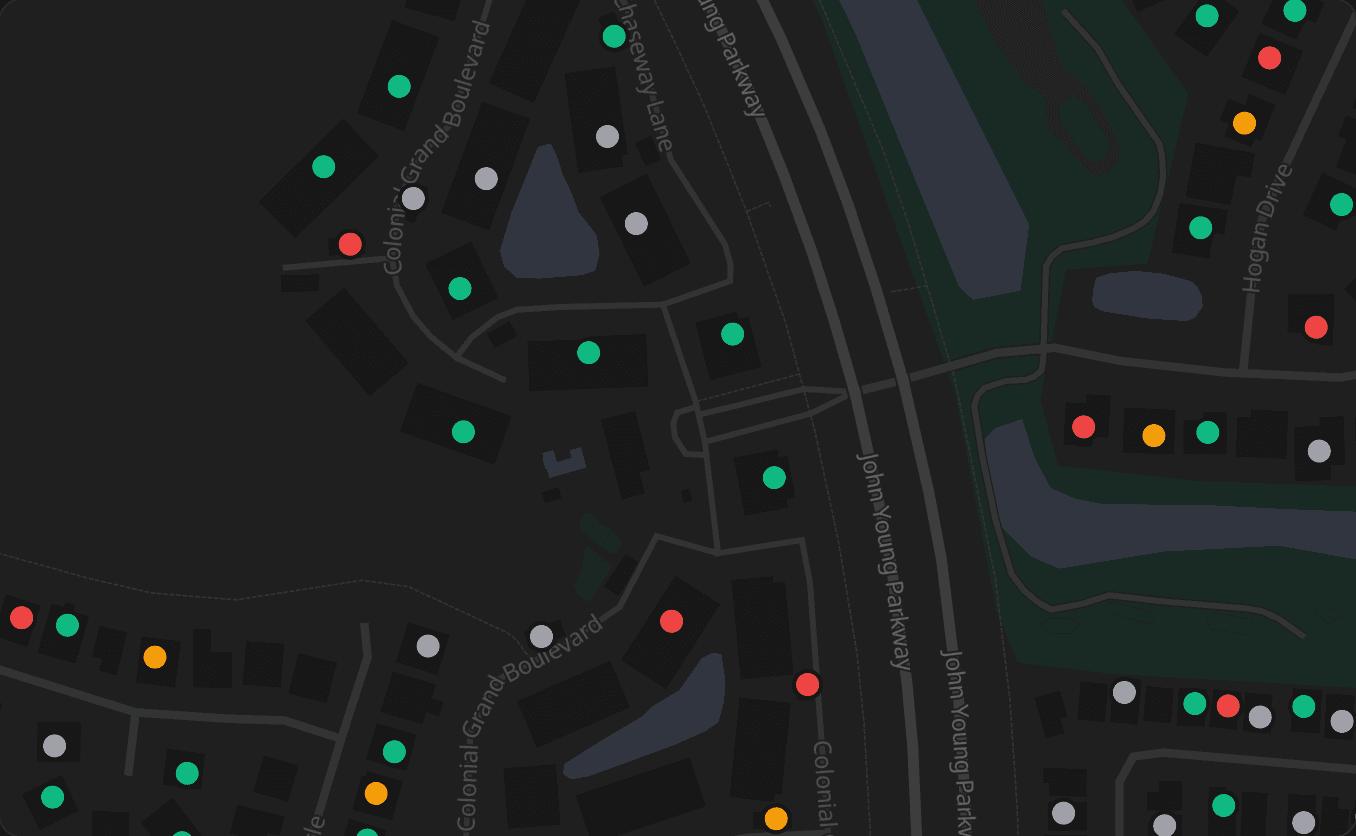
Run the whole shift from one view.
Every packet across every list rolls into one page with contact progress, assignments, and live walkers visible at a glance.
Walk Packets
6 packets · 766 doors · 3 walking now
142
doorsOak Street
184 voters
184
doorsRiverside East
221 voters
96
doorsFernandina Core
122 voters
118
doorsAmelia Drive
143 voters
152
doorsNorth Beach
177 voters
74
doorsPeck Center
91 voters
Need paper backup? The workflow still exports cleanly.
Most teams walk from the browser, but packet PDFs and CSV exports are still there for paper walkers, phone banks, and staff follow-up.